1. Select D Tuning ADF♯B
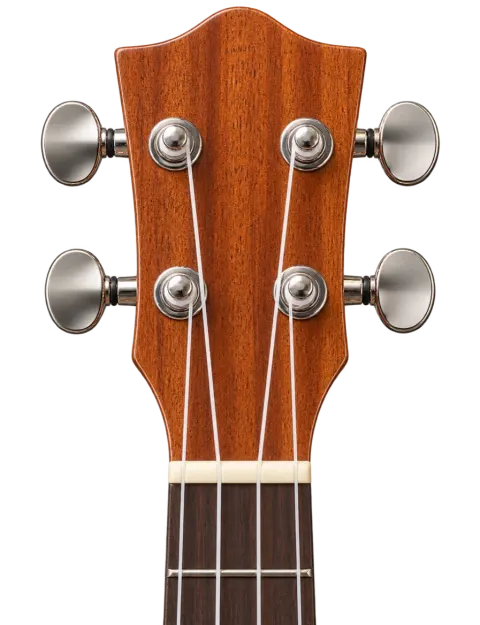
D tuning raises every string of standard GCEA by a whole step. From the fourth string nearest your face to the first string nearest the floor, the notes are A4, D4, F♯4 and B4. Before you begin, make sure the tuner is set to D Tuning ADF♯B—Standard GCEA and Low-G modes listen for lower target notes and will show every string as flat.
Choose Guided mode if you are new to tuning or if a string is far from its target. Guided mode lets you select the string you intend to tune, which helps the detector ignore nearby notes and overtones. Auto detect is convenient once the instrument is already close to pitch.